AI Proctoring for Online Assessments
Maintain exam integrity with AI proctoring. Real-time tab-switch detection, multi-presence alerts, eye-tracking, encrypted webcam snapshots, and a complete audit trail for every online assessment.
Everything you need to succeed
Twelve capabilities built to run your assessments end to end.
Tab-Switch Detection
Logs every time a candidate leaves the assessment window and warns them instantly. Five off-tab switches automatically submits the current section.
Multi-Presence Monitoring
AI powered face detection watches the camera frame and flags multiple faces, helping prevent unauthorized assistance.
Eye-Tracking Focus Detection
AI powered eye tracking monitors whether the candidate is looking at the screen. eye drift is logged as a focus violation.
Plagiarism Detection
Compares candidate submissions against historical and public code, scoring similarity from Exact Match to Clean so copied work is easy to spot.
Authenticity Analysis
Scores the authenticity of a submission from proctoring and coding signals — off-tab switches, paste events, abnormal typing speed — with severity levels for each flag.
AI Usage Detection
Flags answers and code that look AI-generated — consistent perfection, analyses the candidate behaviour and eye movement to identify unauthorised assistance.
Candidate Feedback
AI-generated feedback for each candidate — skill-gap analysis, proficiency scores, and learning roadmaps across weak domains — ready to share after the assessment.
Recruiter Feedback
A complete evaluation and integrity review for recruiters — executive summary, candidate strengths and risks, suspicious patterns, and a clear hiring recommendation.
Hiring Recommendation
Each report closes with a clear Hire / Consider / Reject recommendation, so hiring teams can act on the feedback immediately.
Features
A quick look at the features that AssessZen provides.
How AI proctoring works
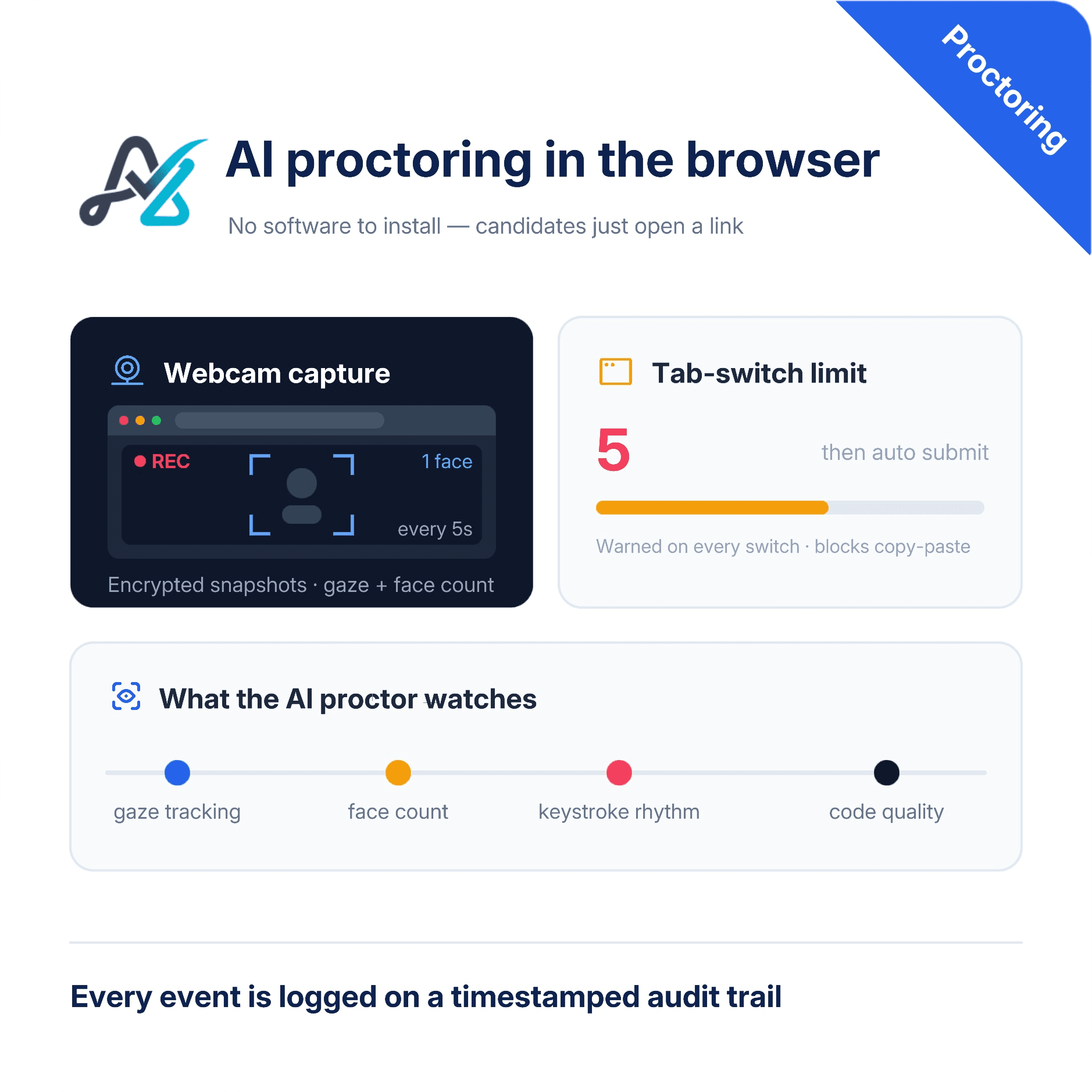
AssessZen's AI proctor runs in the candidate's browser — no software to install. It warns on tab-switches, disqualifies after five, captures encrypted webcam snapshots every 5 seconds, flags multiple or missing faces, tracks gaze after a quick calibration, and blocks copy-paste. It also analyzes candidate code for efficiency, complexity, and quality, plus behavior patterns like keystroke rhythm and debugging flow. Everything is logged to a timestamped audit trail, with proctoring rules toggled per assessment.
Privacy-first monitoring
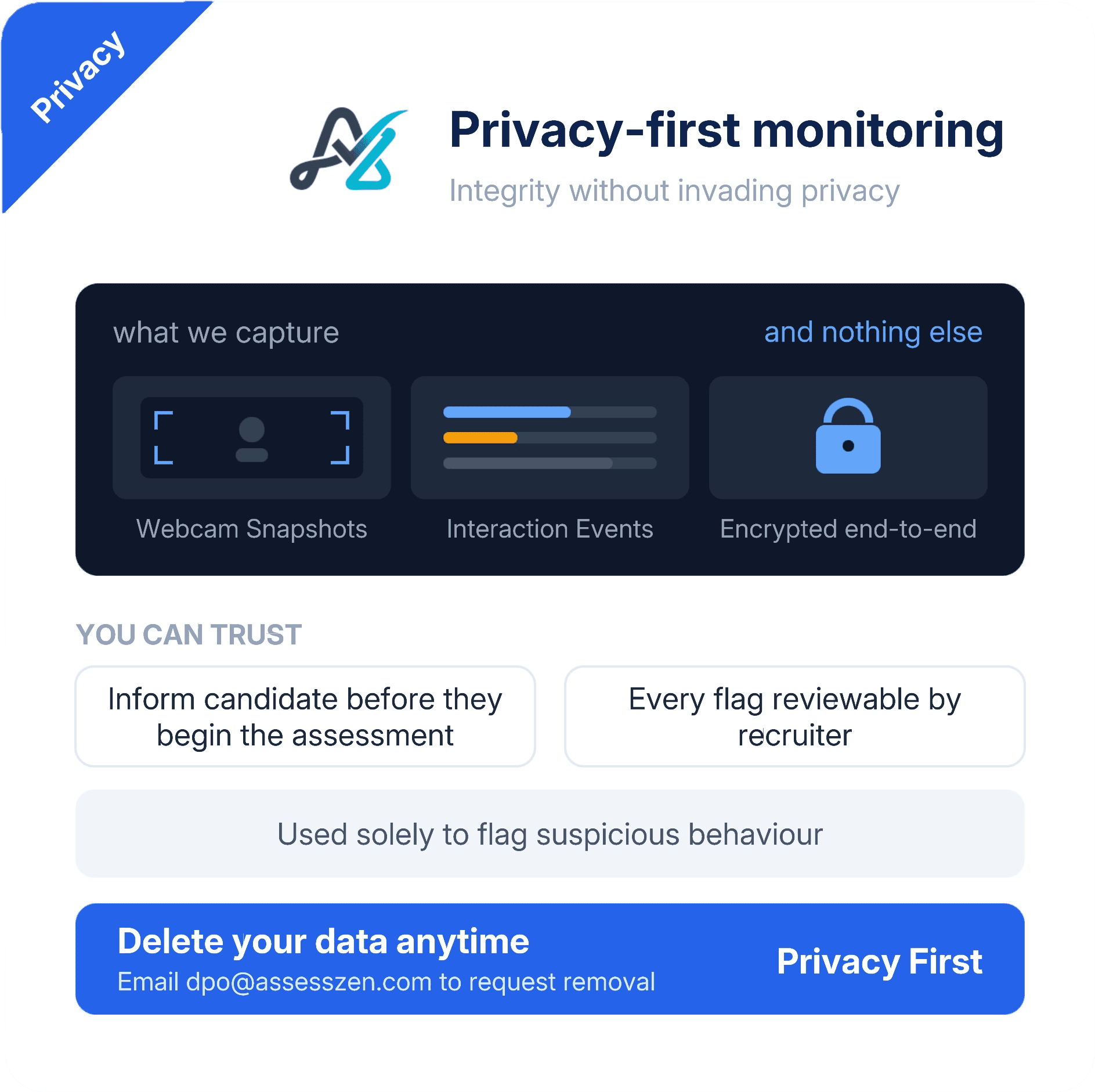
AI proctoring for online assessments should protect integrity without invading privacy. AssessZen captures only what is needed — encrypted webcam snapshots and interaction events — and uses them solely to flag suspicious behaviour. Candidates see exactly what is monitored before they begin, and every flagged event stays reviewable before for you to take any action. All the data stored will be end-to-end encrypted. You can request for data deletion at anytime by dropping an email to us at dpo@assesszen.com
Comprehensive proctoring reports
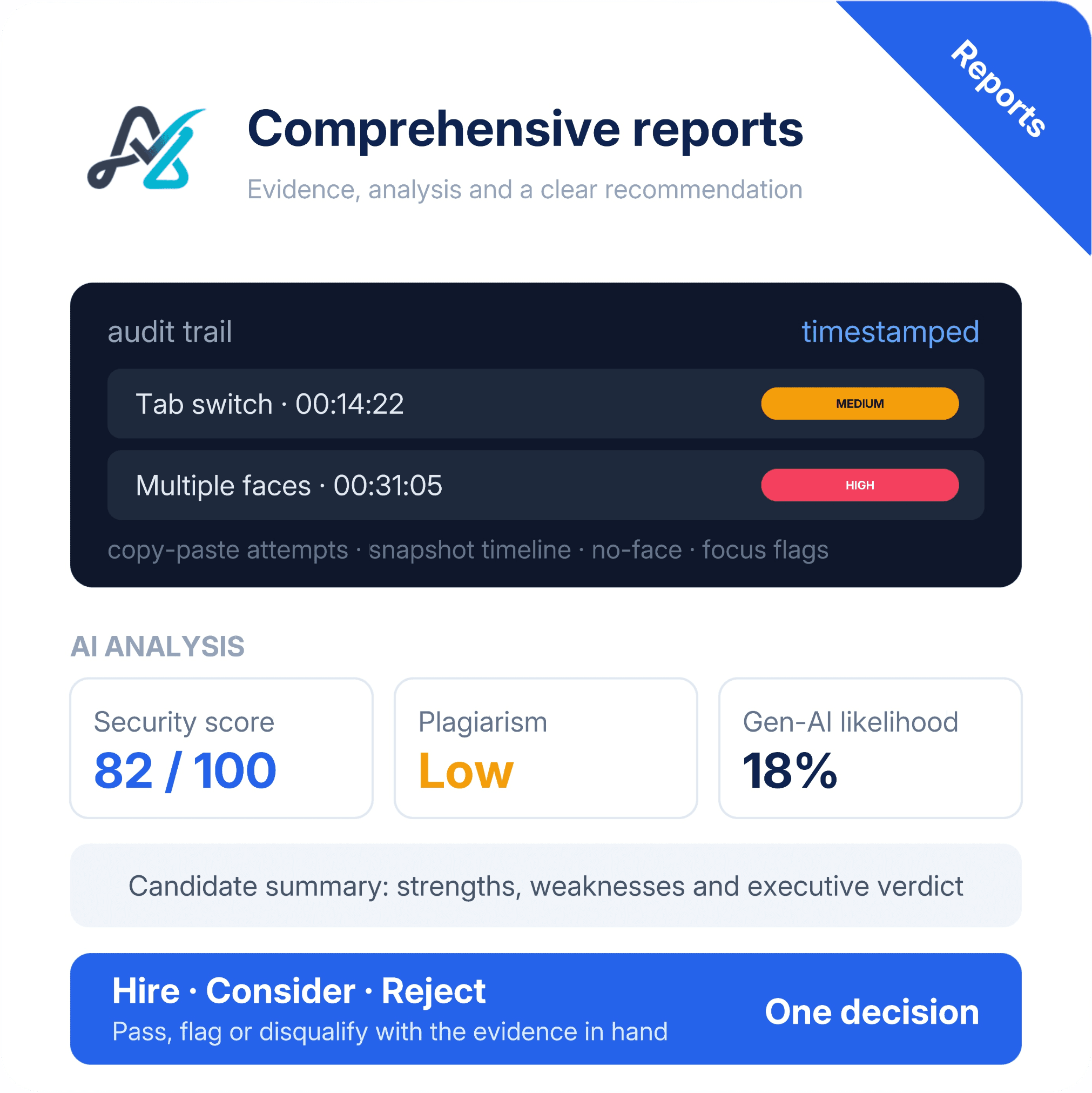
Every proctored session produces a complete audit trail: timestamps of tab switches, restricted copy-paste attempts, the snapshot timeline, and every multi-presence, no-face, or eye movement(focus) flag — each tagged with a severity level. On top of the raw evidence, AI analysis agents turn the timeline into an Integrity & Authenticity Analysis with a security score, cross-reference plagiarism scoring, and generative-AI usage likelihood. A candidate summary highlights strengths and weaknesses, while an executive summary closes with a clear Hire / Consider / Reject recommendation — so you can review the evidence for each candidate and decide whether to pass, flag, or disqualify the candidate with confidence.
Frequently asked questions
Answers to the questions we hear most from customers.
How does AI proctoring work during an online assessment?
Is AI proctoring privacy-invasive?
Can I configure proctoring per assessment?
What happens when suspicious activity is detected?
Ready to transform your hiring?
Join thousands of teams using AssessZen to hire smarter. Start free — no credit card required.